
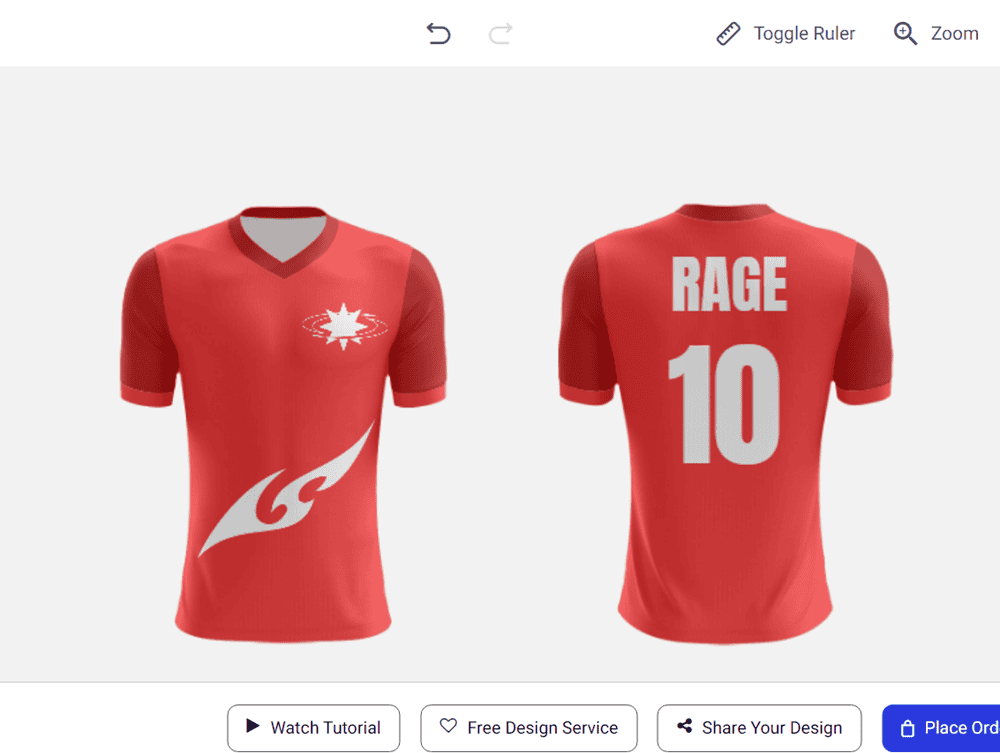
With RAGE Custom, you have full control over the look of your product. Every visible surface can be customized with your choice of colors, graphics, text, and logos, and the price doesn't change based on the number of colors or design elements you use.
What you can customize on any product
Colors: Change the base color and individual sections of the product (panels, trim, tape, grip, etc.)
Graphics and logos: Upload your own images or use the built-in image library
Text: Add names, numbers, slogans, or any other text in your choice of font, size, and color
Multiple sides: Design both sides or all surfaces of the product (front/back, left/right, top/bottom, depending on the product)
Customizable areas vary by product
The specific parts you can customize depend on the product type. Here are some examples:
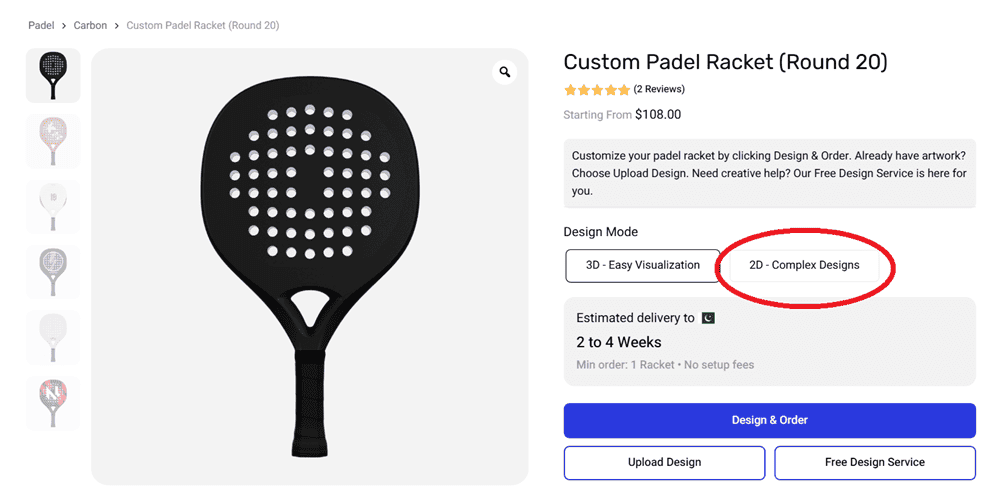
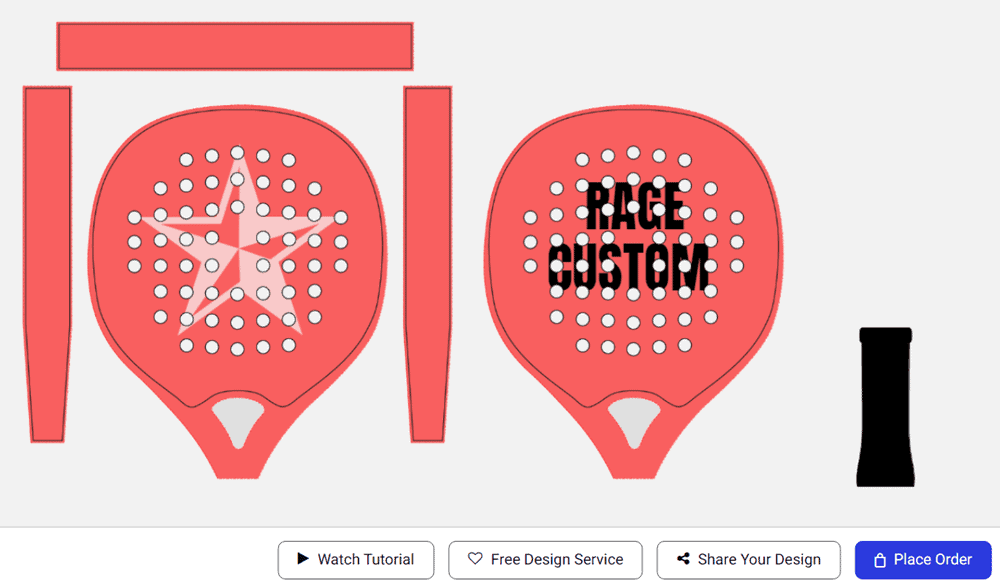
Padel rackets: Base color, face (front and back), tape, grip, bumper strip, printable area
Volleyballs and footballs: Individual panels across all surfaces (top, bottom, front, back, left, right)
Apparel: Full sublimation printing across the entire garment, including sleeves, collar, and panels
Field hockey sticks: Flat side, round side, toe, and shaft
The easiest way to see exactly what you can customize is to open the design tool on the product page. The Layers panel on the left shows every customizable element. Switching to 2D mode gives you access to all surfaces laid out flat for maximum control.
Beyond the design: performance options
For many products, customization goes beyond appearance. Depending on the product, you may also be able to select options like:
Surface reinforcement, weight, and core density (padel rackets)
Composition, weight, and length (field hockey sticks)
Sizing, fabric type, and made-to-measure options (apparel)
These options are selected when you place your order, after the design stage.
→ How do I use the online design tool? → What is Design Mode, and should I choose 3D or 2D?