
If you've forgotten your password, you can reset it directly from the login panel on ragecustom.com. The process takes less than a minute.
How to reset your password
Click the account icon in the top-right corner of the website.
On the login panel, click Forgot Password?
Enter the email address you used when you created your account.
Click Email Reset Link.
Check your inbox for an email from RAGE Custom with a link to set a new password.
Click the link, choose a new password, and save it.
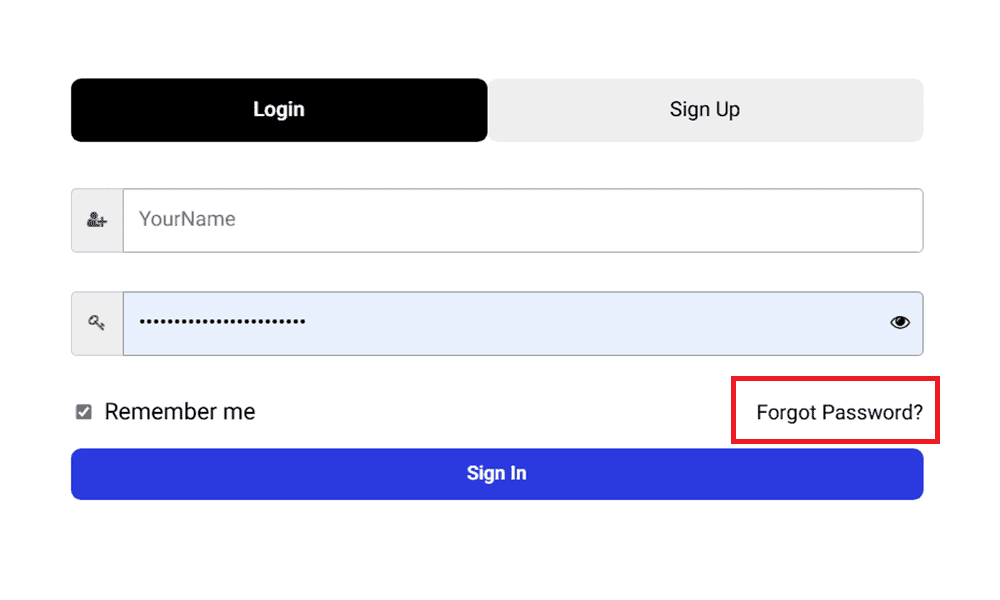
Once you've reset your password, you can log in immediately with your new credentials.
Not receiving the reset email?
If you don't see the email within a few minutes:
Check your spam, junk, or promotions folder.
Make sure you're entering the same email address you originally signed up with.
Try again, as sometimes delivery can be delayed by a minute or two.
Not sure which email address you used?
If you can't remember which email you registered with, contact our support team and we'll help you locate your account. For security reasons, we may need to verify some details about your previous orders before we can assist.
→ How do I create an account or sign in as a returning customer?