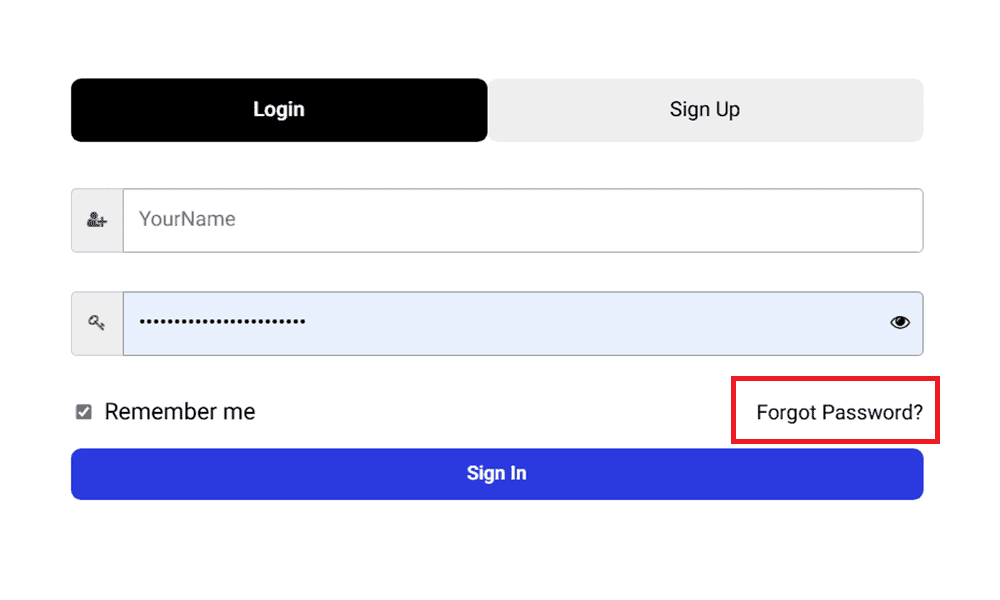
Click the account icon in the top-right corner of any page on ragecustom.com to open the login panel or visit https://www.ragecustom.com/my-account/. From there, you can either sign up for a new account or log in to an existing one.
Creating a new account
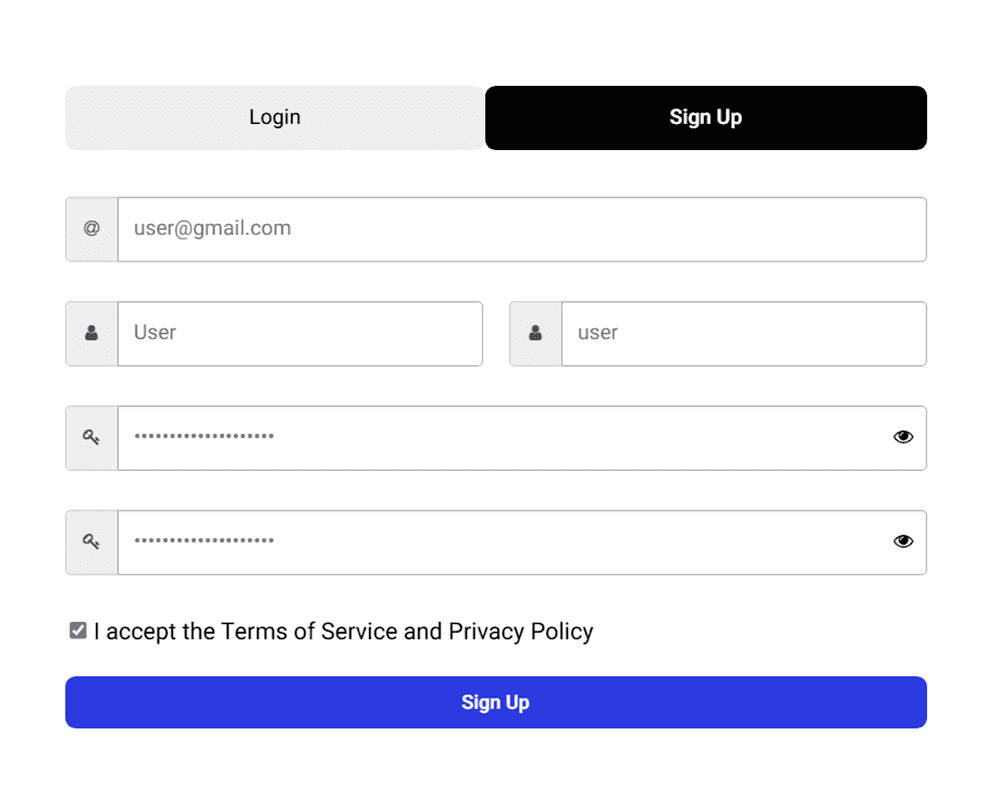
Click the account icon and select Sign Up.
Enter your first name, last name, email address, and choose a password.
Accept the Terms of Service and Privacy Policy.
Click Sign Up to create your account.
Your account is ready to use immediately. No email verification step is required.
What you get with an account
Once you're signed in, you'll have access to:
Your order history and order status tracking
Saved billing and shipping addresses for faster checkout
Your Points & Rewards dashboard (you'll earn 25 bonus points just for signing up)
Gift card balance checking and management
A support ticket system for direct communication with our team
Saved Designs from the online design tool, so you can pick up where you left off or reorder easily
You can also place orders as a guest without creating an account, but you won't have access to these features. For more on that, see Do I need an account to place an order?
Signing in as a returning customer
Click the account icon and select Log In.
Enter your email address and password.
Click Sign In.
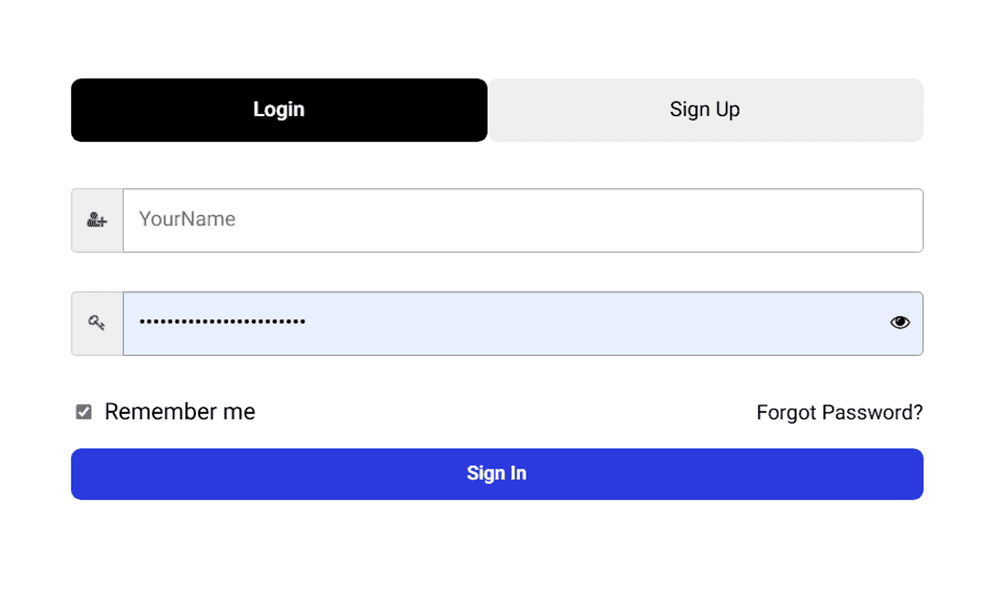
If you've forgotten your password, click Forgot Password? on the login panel to reset it.