
Yes. The online design tool makes it easy to share your design with teammates, collaborators, or anyone who needs to review or order from it.
Share a design link
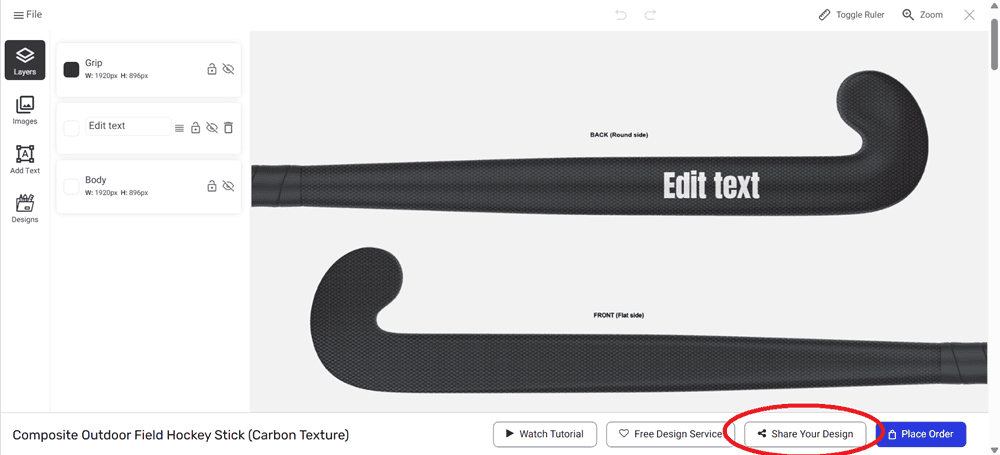
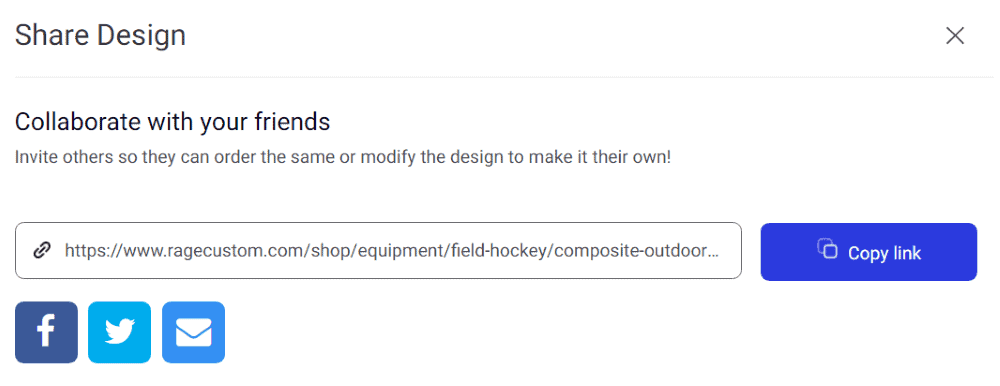
In the design tool, click the Share Design button. This generates a unique link to your design. When someone opens the link, your design loads exactly where you left off. From there, they can:
Review the design as you created it
Make changes (such as adding their own name or number) and order for themselves
Send a revised link back to you with their suggested changes
Design share links are valid for 365 days from when they're created.
Download and share
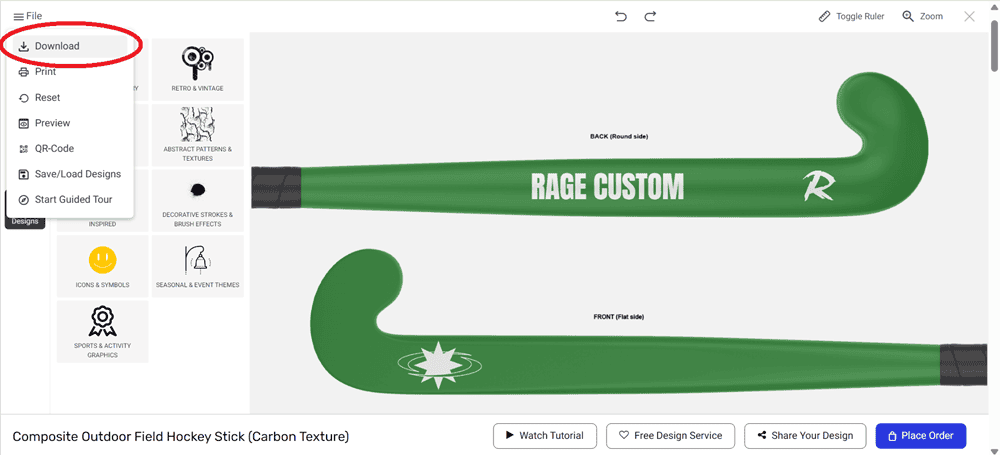
If you just need to show someone what the design looks like (without making it editable), you can use the Download button in the design tool to save your design as a PNG, JPEG, or PDF and share it however you like. This is great for quick approvals where the recipient doesn't need to make changes.
Saving designs for later
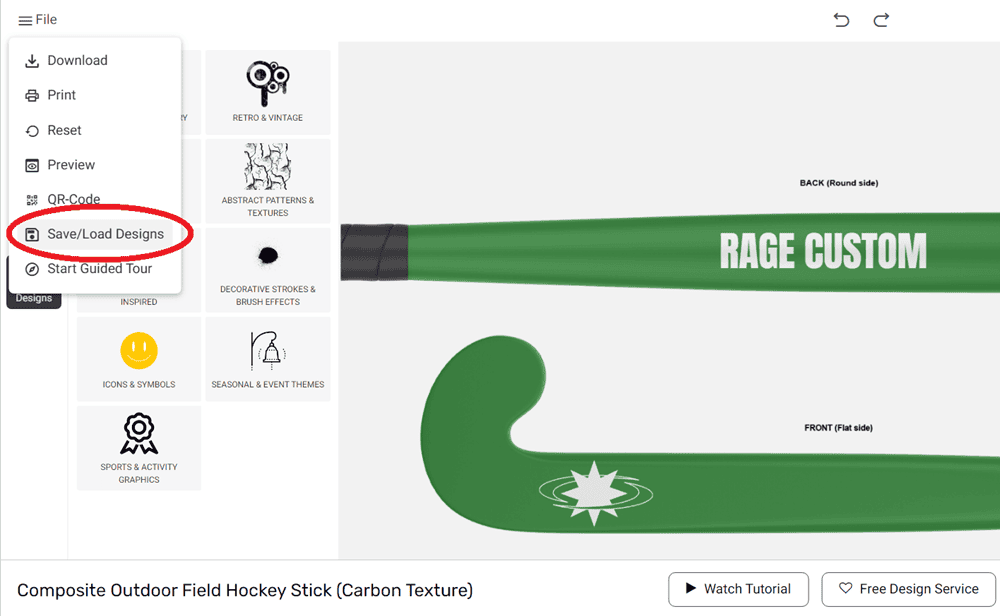
Use the Save/Load Designs feature in the design tool to save your work and come back to it later. This is useful if you're working on a design over multiple sessions or want to keep a version you can return to.
For team and bulk orders
If you're managing an order for a group and need help coordinating multiple names, numbers, or sizes under one design, our Dedicated Account Managers can handle the setup for you. Just contact us with your requirements.
→ Can I order multiple names, numbers, sizes, colors, or design variations? → How do I use the online design tool?