Yes. We provide print-ready PDF templates for every customizable product in our range. These templates are formatted for professional design software and include guides for dimensions, bleed areas, and safe zones.
Where to find templates
On the product page: When you click Upload Design on any product, you'll see a Download Template option specific to that product.
Central templates library: You can browse and download templates for all products from our Produc
t Templates page. Use the search bar to quickly find the product you need.
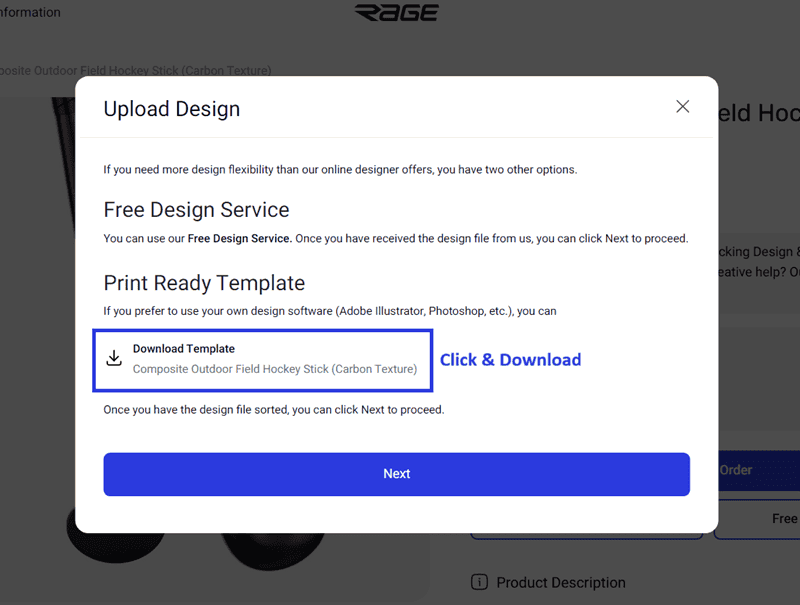
How to use them
Download the template for your product.
Open it in your preferred design software (Adobe Illustrator, Photoshop, CorelDRAW, or any software that supports PDF).
Create your design within the template guidelines.
Export your finished file and upload it on the product page by clicking Upload Design. You can either upload the file directly or share a link from Google Drive, Dropbox, or a similar service (just make sure permissions are set to "Anyone with the link" so our team can access it).
For guidance on accepted file formats and how to upload, see What file formats should I use when uploading a complete design?
Prefer not to design it yourself?
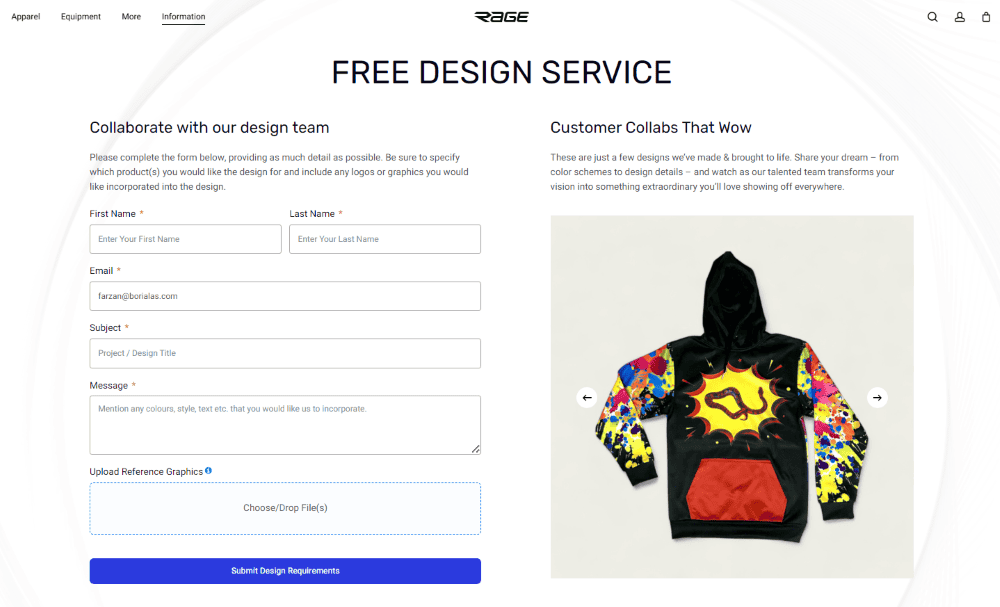
If you'd rather have our team handle the design, our Free Design Service is available at no extra charge. You can also use the online design tool to create your design directly in the browser without needing any external software.
If you spot any errors in a template or have questions, please contact us.