
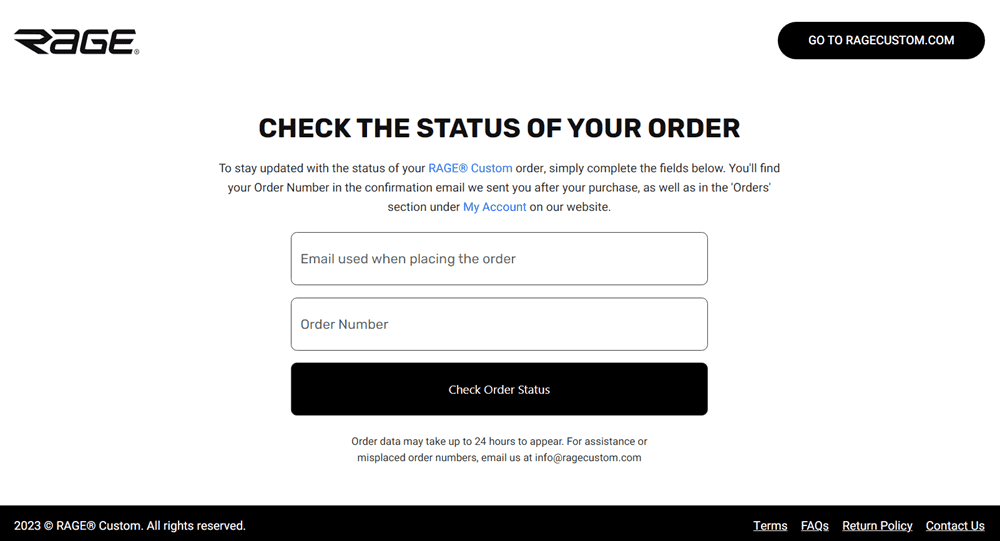
Visit orders.ragecustom.com and enter your order number to see where your order is in the process. You'll also receive email updates at key stages automatically.
Where to check your order status
Order tracking portal: Go to orders.ragecustom.com and enter your order number. You'll find this number in the confirmation email you received after placing your order, or under My Account > Orders on the RAGE Custom website.
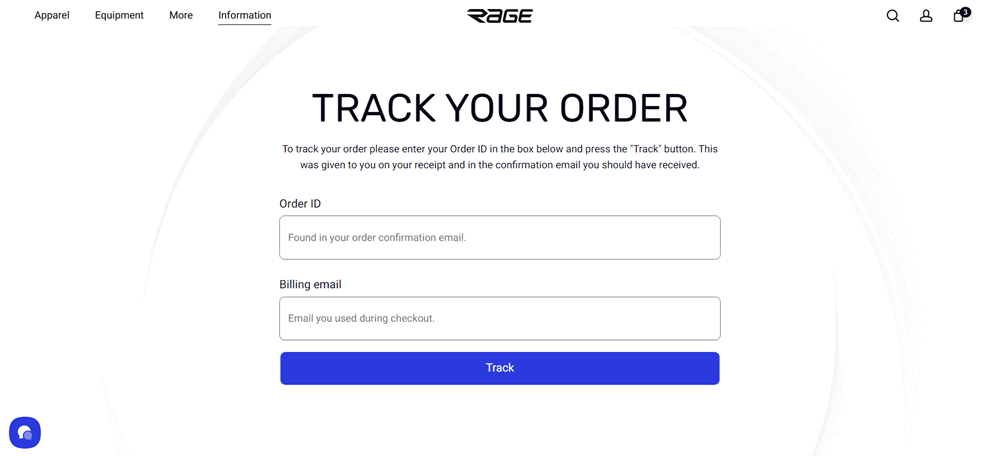
My Account: Log in at ragecustom.com and go to Orders or Track My Order to see your order history and current status.
Order data may take up to 24 hours to appear after you place your order.
What you'll see
Your order status updates as it moves through each stage of the process, from order confirmation through production, quality checks, and dispatch. The specific stages depend on the product type. For a full breakdown of what each stage means, see our article on what happens after you place your order.
→ What happens after I place or approve my order?
Email notifications
You don't need to check the portal manually for every update. We'll email you at the most important milestones:
When your print-ready file is ready for approval
When photos of your finished product are available for review
When your order has been dispatched, including a tracking link for the shipment
These emails go to the address you used when placing your order. If you need to update your contact email, reply to any recent order email and let the team know.
Order status vs. shipment tracking
This article covers your order status, which tracks the stages from order placement through production and dispatch. Once your order has shipped, you can follow the package using the tracking link in your dispatch email.
Can't find your order number?
→ I've lost my order details or confirmation email. What should I do?