
Getting started with RAGE Custom comes down to three things:
knowing what you want to order
having a design, or knowing how you want to create one
deciding how many you need
Once you have those three, you’re ready to move forward.
Step 1: Choose your product
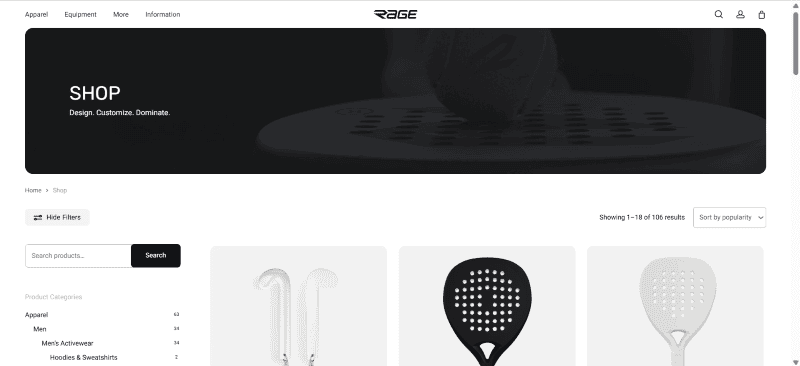
Start by browsing our website, using the shop categories, or searching for the product you want to customize.
Once you find the product you want, open its product page to review the available options.
Step 2: Choose how you want to handle the design
Every custom order needs a design. You can choose the path that works best for you:
Option A: Use the online design tool
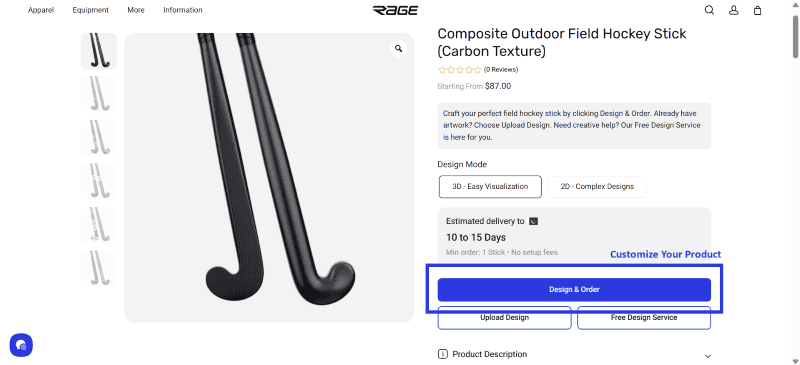
On many product pages, you can click Design & Order to open the online design tool and customize your item. A built-in tutorial is included to help you get familiar with the basic features.
Option B: Create your design yourself and upload it
If you prefer to design in your own software, you can download the relevant product template and create your design in Canva or any other software you prefer.
You can find templates on our Product Templates page, and on many product pages you can also download the specific template directly from within the Upload Design modal.
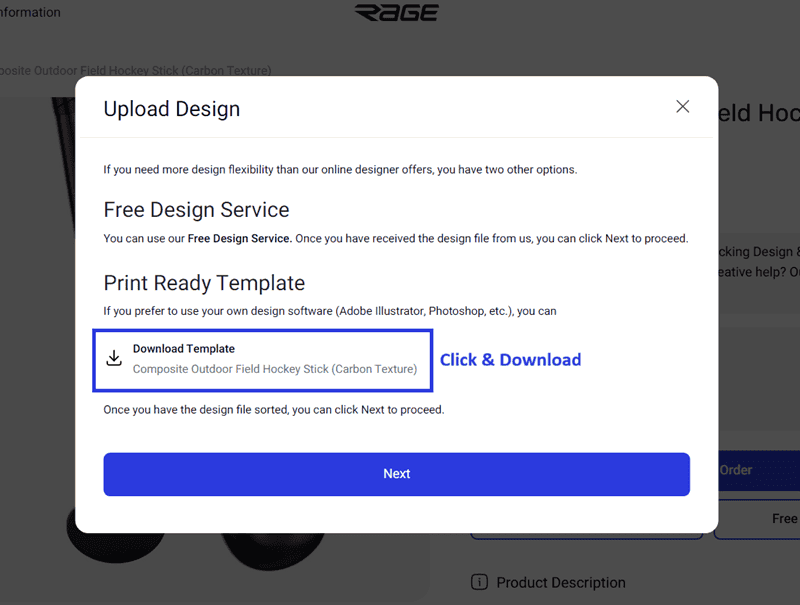
Once your design is ready, return to the relevant product page and upload your file.
You can also read this guide if you already have a finished design file:
How to place a custom order if you have a design file
Option C: Use our Free Design Service
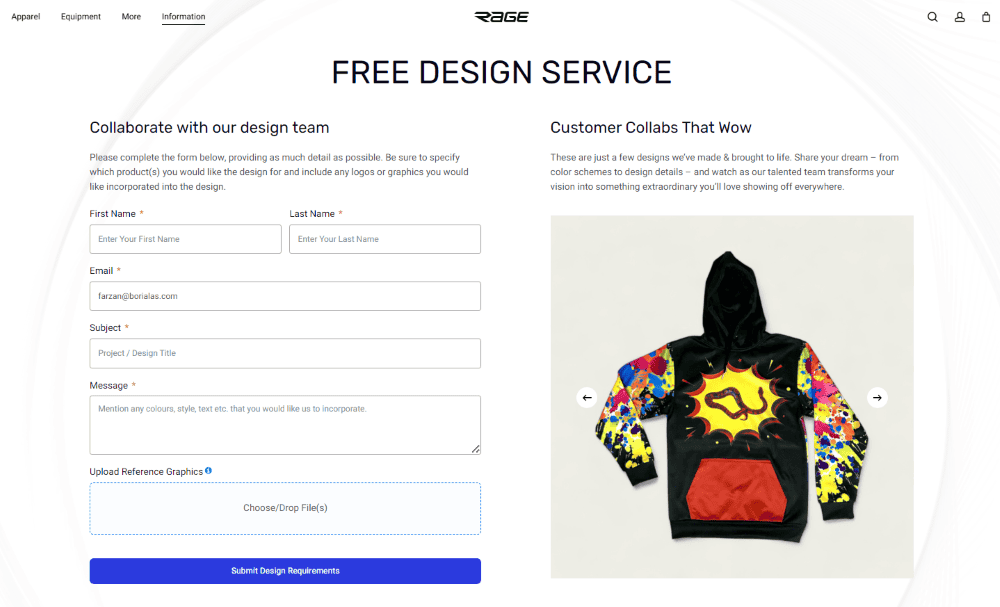
If you do not already have a design, you can use our Free Design Service.
Send us your idea, product details, and any reference files, and our team will help turn your concept into a design.
Step 3: Choose your product options
Once you know the product and your design direction, select the options that apply to that item.
Depending on the product, this may include things like size, material, construction, shape, finish, or other specifications.
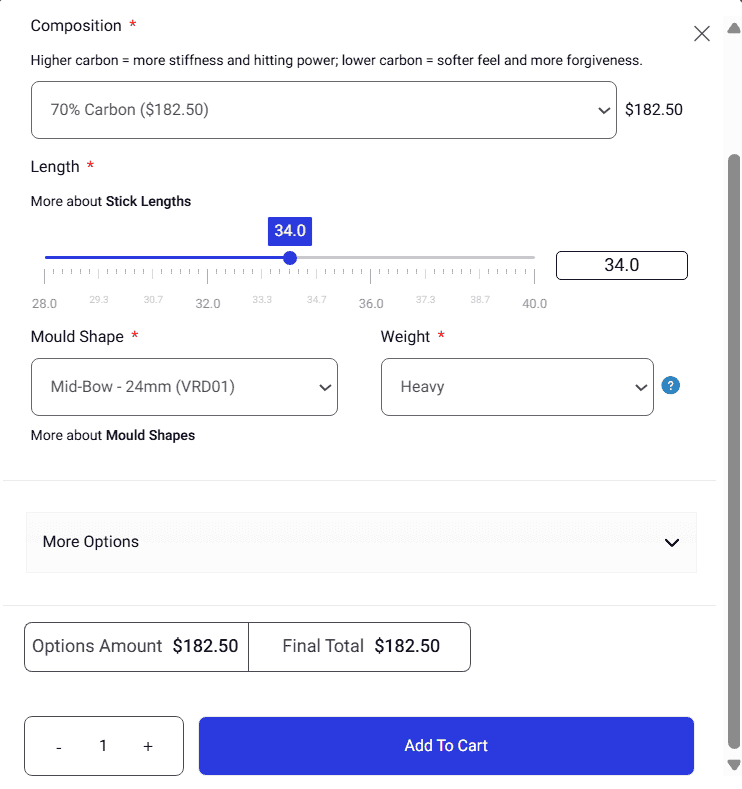
Step 4: Enter your quantity
Next, choose how many units you want.
For most products, you can order as little as one. If you are ordering for a team, club, company, school, or event, larger quantities may qualify for better pricing.
For many products, larger orders can also include individual personalization such as names, numbers, or similar custom details, please check with us, if you require this.
Step 5: Add to cart and place your order
When your design, options, and quantity are ready, add the item to your cart and proceed to checkout.
Need help?
If you are not sure which product to choose, how to prepare your design, or how to handle a team or bulk order, you can contact us through Live Chat or WhatsApp, or use our Free Design Service.